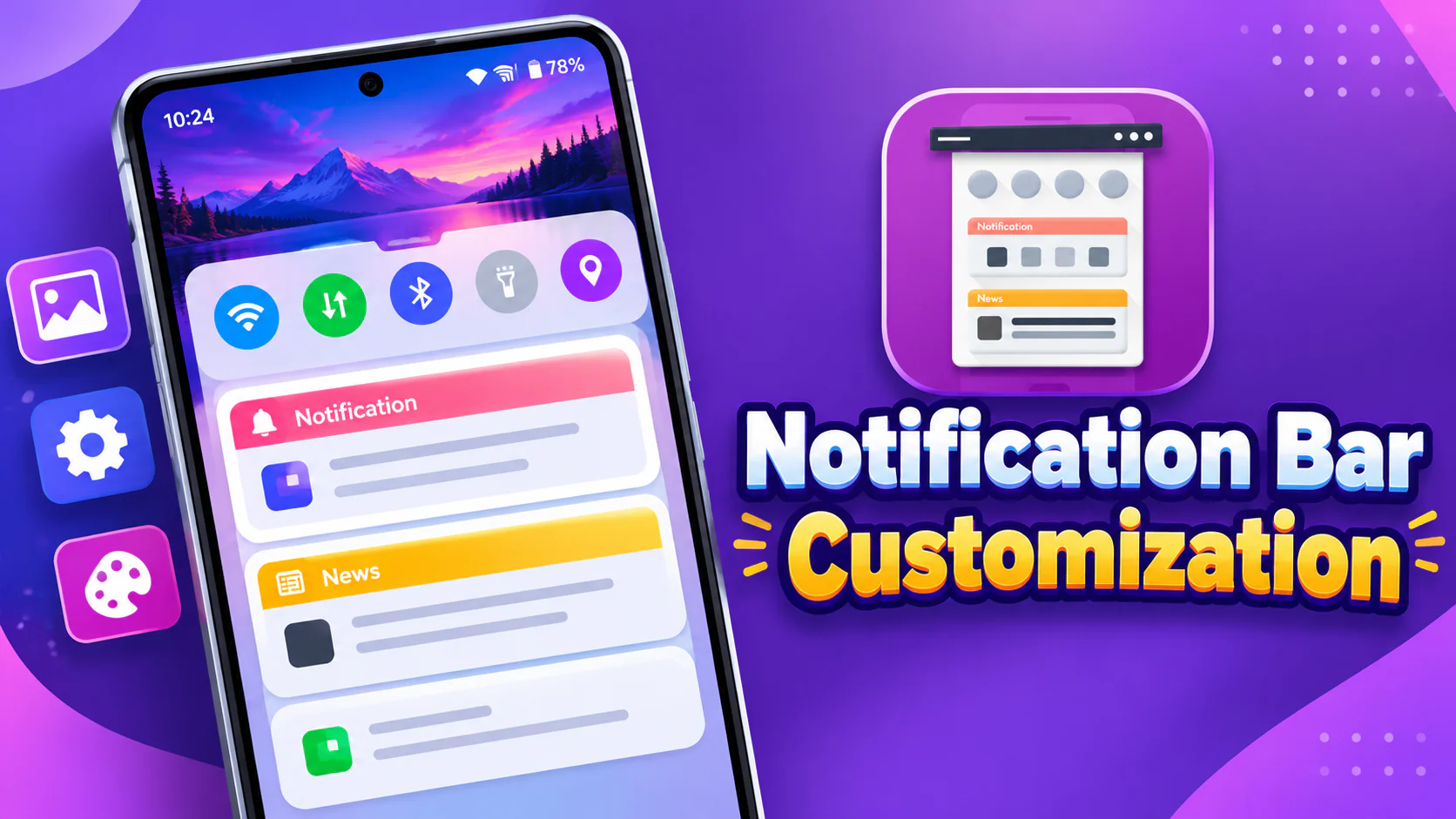
Android offers several ways to customize a smartphone, but the notification panel and status bar often retain their standard appearance. If you want to give these areas a more personal look, Notification Bar Customization is an app worth exploring.
The app allows users to change the appearance of their notification drawer, customize status bar elements, and even use personal photos or wallpapers as notification panel backgrounds. It also provides quick access to several useful controls, making the notification panel more customizable.
Also read: Motorola Edge 70 Neo India Launch Teased: Check Design, Expected Specifications and Price
What Is Notification Bar Customization?
Notification Bar Customization is an Android personalization app designed to change the appearance and functionality of your phone’s notification area. It combines status bar customization, background personalization, calendar options, and quick controls in one application.
One of its interesting features is the ability to use an image from your phone’s gallery as the notification bar background. You can also choose from backgrounds available within the app.
Whether you prefer a personalized notification panel or want more control over its appearance, the app offers several options to explore.
Key Features of Notification Bar Customization
1. Customize Your Status Bar
The app provides different options to personalize your Android status bar. Users can adjust various elements according to their preferences, including:
- Show or hide signal strength.
- Enable or disable battery percentage.
- Change the status bar color.
- Customize the carrier name.
- Switch between different time formats.
- Adjust text color, size, and font.
These options help you create a status bar that better matches your preferred phone appearance.
2. Set Your Own Notification Bar Background
One of the app’s main highlights is its custom notification background feature.
Instead of using the standard appearance, you can select a personal photo from your device’s gallery or choose from the backgrounds provided inside the app.
This feature is useful for people who enjoy personalizing their smartphone interface with their favorite pictures, colors, and designs.
3. Quick Settings and Notification Controls
Notification Bar Customization also offers several controls that users can access through its customized notification panel.
Available options include:
- Wi-Fi and mobile data
- Bluetooth
- Silent and vibration modes
- Screen rotation
- Flashlight
- Night mode
- Location
- Hotspot
- Do Not Disturb
- Airplane mode
- Screenshot
The app also includes options for enabling or disabling the calendar and changing notification themes.
4. Personalized Notification Themes
Users can change notification themes and customize the panel’s visual appearance. Combined with the background photo feature, these options provide more flexibility when designing a personalized notification drawer.
Why Use Notification Bar Customization?
The main attraction of this application is that it brings multiple personalization options together. Instead of changing only the status bar or notification background, users can customize several interface elements from one place.
It may be useful for Android users who enjoy experimenting with different layouts, colors, fonts, and notification panel appearances.
The quick control options also provide a convenient way to access commonly used phone settings through the customized panel.
Notification Bar Customization – Play Store App
Final Words
Notification Bar Customization is a personalization app for Android users who want more control over their notification drawer and status bar. Features such as custom photo backgrounds, status bar adjustments, notification themes, and quick settings controls make it an interesting option for smartphone customization.
If you enjoy changing your phone’s interface and want something different from the default notification panel, Notification Bar Customization is worth checking out. Explore its available settings and create a notification panel that matches your style.

I am a passionate Tech Writer with strong industry experience. I enjoy exploring the latest technological innovations and sharing clear, helpful insights with my audience.