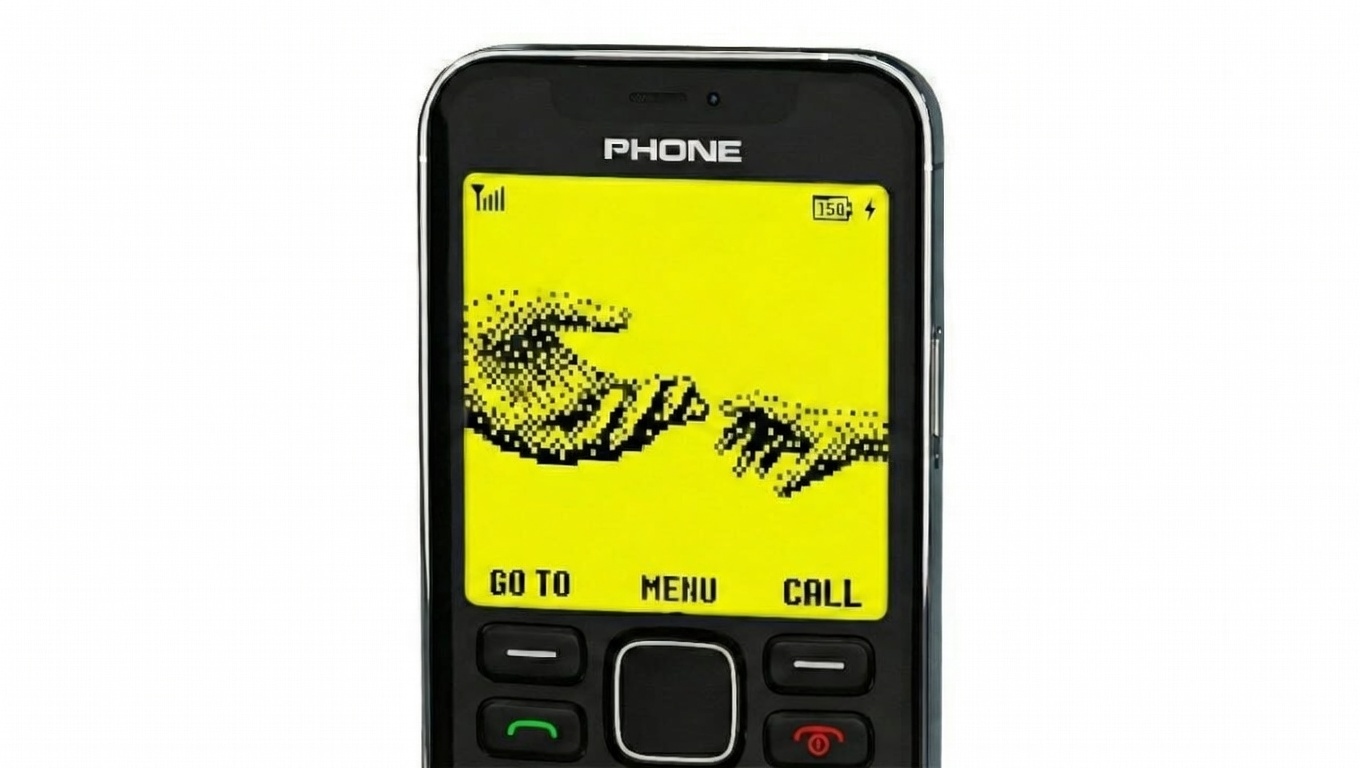
There was a time when mobile phones were simple, reliable, and free from constant notifications. Many people still remember using basic phones that focused only on calling and texting. Among them, the Nokia 1280 stood out for its clean display, straightforward menu, and stress-free experience.
If you miss that minimal design and calm interface, you don’t need to buy an old phone again. An Android launcher can help you recreate the familiar Nokia 1280 look on your existing smartphone, combining nostalgia with modern convenience.
Understanding the Nokia 1280–Style Launcher
A Nokia 1280–style launcher is an Android application created to visually imitate the classic Nokia 1280 feature phone. After installation, it transforms your phone’s home screen, icons, and navigation into a layout inspired by the original device.
This type of launcher is especially appealing to users who prefer simplicity over flashy designs. It reduces visual clutter and brings back the feel of older mobile phones while keeping Android apps accessible in the background.
What Makes This Launcher Stand Out
The launcher focuses on recreating the old-school experience rather than adding complex features. Some of its noticeable elements include:
- A user interface inspired by the original Nokia 1280
- Minimal home screen with simple menu navigation
- Traditional keypad-style dialer appearance
- Retro-style games inspired by classic mobile phones
- Clean layout designed for easy and distraction-free use
All these elements work together to offer a familiar look without modifying the phone’s internal system.
Steps to Apply the Launcher on Your Android Phone
Setting up the launcher is straightforward and does not require technical skills.
Start by opening the Google Play Store and searching for a Nokia 1280–style launcher. Download and install the app, then open it once the installation is complete. The app will prompt you to make it your default launcher—confirm this option to proceed.
In some cases, the app may ask for notification access to function properly. Once permissions are granted, your phone’s interface will change to the classic Nokia-inspired design. You can browse menus, open apps, and explore retro-style features just like the old days.
Is It Worth Trying?
This launcher is a good choice for users who enjoy simple interfaces or feel overwhelmed by modern smartphone designs. It does not replace Android’s functionality but offers a different visual and navigation experience.
If you find comfort in nostalgia or want a cleaner phone layout, trying a Nokia 1280–style launcher can be a refreshing change. As always, choose apps that suit your daily needs and improve your overall phone experience.

I am a passionate Tech Writer with strong industry experience. I enjoy exploring the latest technological innovations and sharing clear, helpful insights with my audience.