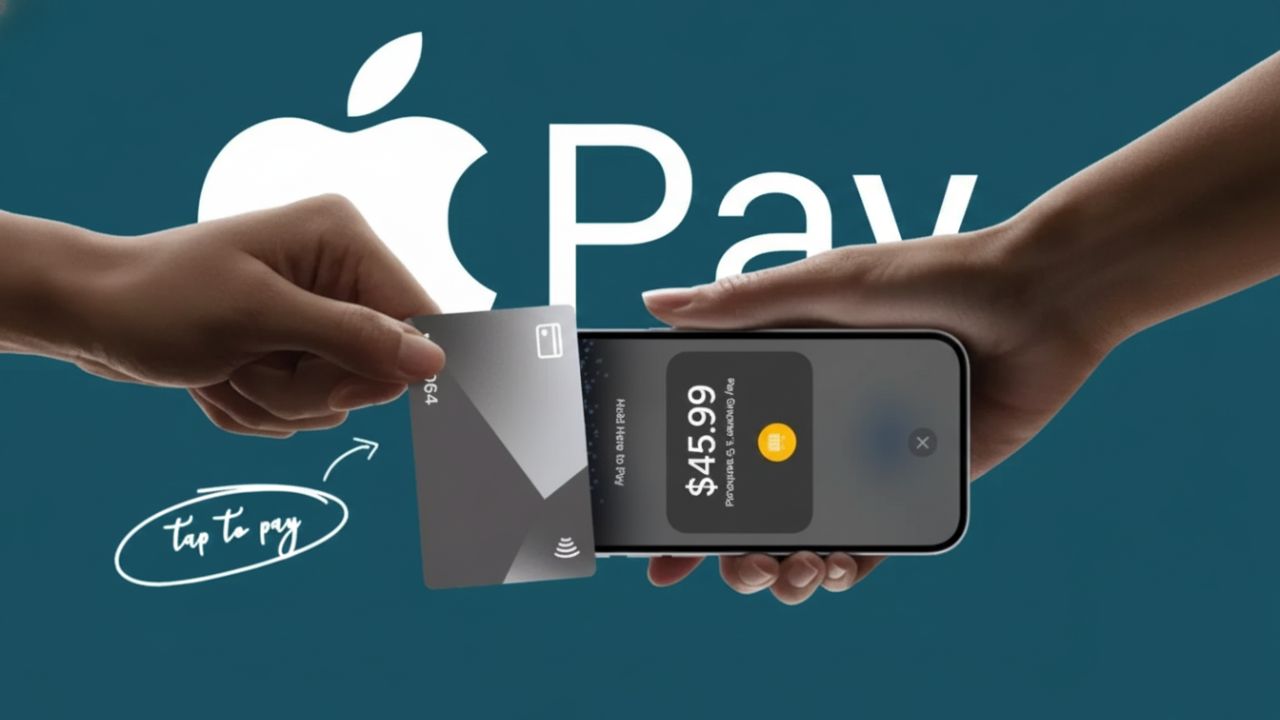
Contactless payments have become part of daily life, and iPhone users now have an even easier way to pay. With Tap to Pay on iPhone, making payments no longer depends on carrying cards or wallets. Everything happens directly through your phone, making transactions quicker, cleaner, and more convenient.
This guide explains how Tap to Pay works, what you need to get started, and how both users and businesses can use it confidently. The language is kept simple so anyone can follow along without confusion.
What Is Tap to Pay on iPhone and How Does It Work?
Tap to Pay on iPhone uses NFC (Near Field Communication) technology. This allows your iPhone to communicate securely with a payment terminal when placed close to it. The process happens in seconds and does not expose your actual card information.
When you bring your iPhone near a compatible reader, the phone creates a secure connection. Your card details are replaced with a temporary digital code known as a token. This token is valid only for that single transaction.
Before payment is approved, your identity is verified using Face ID, Touch ID, or your device passcode. Once verified, the payment is completed instantly. Merchants never see your real card number, and your personal details remain protected.
Why Tap to Pay Is Considered Secure
Security is a major reason people trust Tap to Pay. Your real card number is never shared during a transaction. Each payment uses encrypted data, making it extremely difficult to misuse.
Apple does not store your transaction history, and payments cannot be made without biometric or passcode authentication. If your iPhone is lost, payments can be blocked remotely using device security features. These layers work together to keep payments safe at all times.
What You Need Before Setting It Up
Before using Tap to Pay on iPhone, make sure the following requirements are met:
- iPhone XS or a newer model
- Latest compatible iOS version installed
- Active Apple ID signed in
- Face ID, Touch ID, or passcode enabled
- Stable internet connection
- Automatic Date and Time settings turned on
Meeting these basics ensures a smooth setup and reliable performance.
How to Add a Card to Your iPhone Wallet
Setting up Tap to Pay starts with adding a card to the Wallet app:
- Open the Wallet app on your iPhone
- Tap the plus (+) icon
- Choose Debit Card or Credit Card
- Tap Continue and follow the instructions
You can scan your card using the phone camera or enter the details manually. Your bank will verify the card, which usually takes only a few minutes. Once approved, the card appears in your Wallet and is ready to use.
You can also rearrange cards and choose which one you want as your default for payments.
Using Tap to Pay for Everyday Purchases
Paying in stores is quick and consistent:
- On iPhones with Face ID, double-press the side button
- On iPhones with Touch ID, double-press the Home button
- Authenticate using Face ID, Touch ID, or passcode
- Hold the top of your iPhone near the payment reader
A confirmation message or sound will indicate that the payment is successful. If you want to use a different card, simply select it from the Wallet before confirming.
Accepting Payments as a Business Using iPhone
Tap to Pay is also useful for businesses, especially small merchants. Payments can be accepted directly on an iPhone without extra card machines, depending on regional support.
Businesses need to install a supported payment application and enable Tap to Pay within the app settings. After setup, the seller enters the amount, and the customer taps their card or phone near the iPhone to complete payment.
This reduces hardware costs and simplifies the checkout process.
Supported Cards and Wallets
Tap to Pay supports many widely used card networks, though availability may vary by region. Commonly supported options include major credit and debit cards, as well as digital wallets used by customers.
Since support depends on country and bank policies, it’s always best to check official availability information before relying on a specific card type.
Key Advantages of Tap to Pay on iPhone
- Faster checkout with no physical contact
- No need to carry wallets or cards
- Strong security and privacy protection
- Useful for both individuals and businesses
- Works seamlessly in supported stores and locations
Payments are completed in seconds, making everyday transactions smoother without changing habits.
Final Thoughts
Tap to Pay on iPhone makes modern payments simple, secure, and convenient. Users enjoy quick contactless payments, while businesses benefit from flexible payment acceptance using only a phone.
With strong security measures and a user-friendly setup, Tap to Pay fits naturally into daily life and reflects the growing shift toward digital payments worldwide.

I am a passionate Tech Writer with strong industry experience. I enjoy exploring the latest technological innovations and sharing clear, helpful insights with my audience.