Over time, the Calls section in WhatsApp can start looking messy. Old voice calls, missed attempts, or video calls you no longer need may pile up and make the list harder to manage. Some people prefer clearing it for privacy, while others simply like to keep their phone clean and organised.
The good news is that WhatsApp offers simple, official options to remove call logs on both Android and iPhone. Below is a clear and practical explanation of how it works.
Understanding WhatsApp Call Logs
WhatsApp automatically stores a local record of your:
- Voice calls
- Video calls
- Missed calls
These entries appear only in the Calls tab. They are saved on your device and are separate from chats, contacts, photos, or videos.
Is It Possible to Delete WhatsApp Call History?
Yes. WhatsApp lets you:
- Remove a specific call entry
- Erase the entire call log in one go
At the moment, there is no automatic or scheduled option. Any cleanup must be done manually.
Steps to Delete WhatsApp Call History on Android
Remove One Call Entry
- Open WhatsApp
- Go to the Calls tab
- Tap and hold the call you want to remove
- Select the Delete icon
- Confirm when prompted
That single call record will disappear from the list.
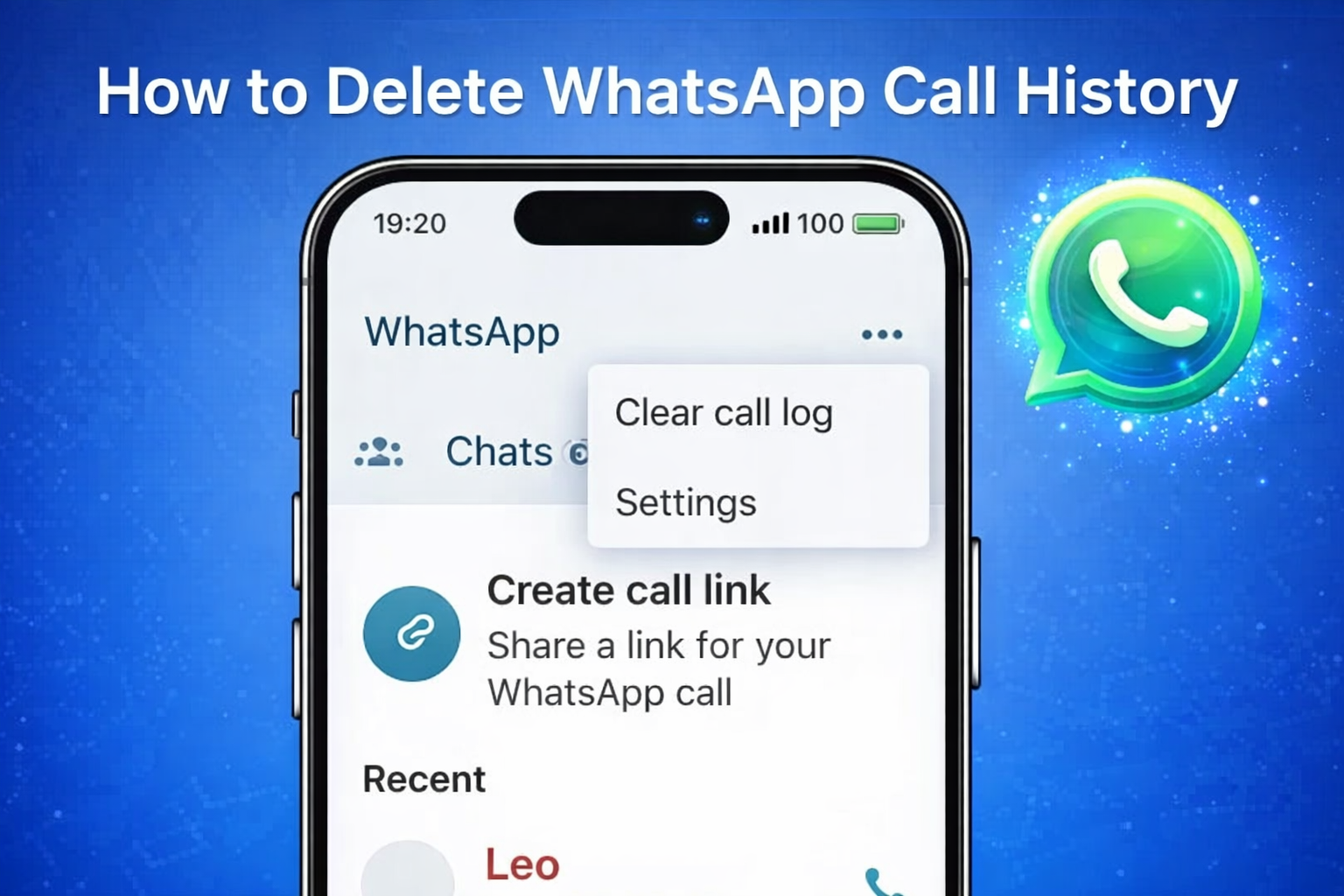
Clear the Entire Call Log
- Launch WhatsApp
- Open the Calls tab
- Tap the three-dot menu in the top-right corner
- Choose Clear call log
- Confirm the action
All call records will be deleted at once.
Steps to Delete WhatsApp Call History on iPhone
Delete a Specific Call
- Open WhatsApp
- Tap Calls from the bottom menu
- Swipe left on the call you want to remove
- Tap Delete
Only that selected entry will be removed.
Remove All Call Records
- Open WhatsApp and go to Calls
- Tap Edit in the top-left corner
- Select Clear
- Confirm your choice
This will erase the complete call history from WhatsApp.
What Happens After Deleting Call History?
Deleting call logs:
- Does not delete chats
- Does not remove photos, videos, or documents
- Does not affect your contacts or block anyone
Only the call records in the Calls tab are removed.
Can Call History Come Back After Deletion?
If you restore a WhatsApp backup that was created before deleting the call history, those call logs may reappear. To prevent this:
- Take a fresh backup after clearing the call log, or
- Temporarily pause backups until you are done
Why Users Choose to Clear WhatsApp Call Logs
People usually delete call history to:
- Maintain personal privacy
- Remove outdated or irrelevant records
- Keep the Calls tab neat and readable
- Prepare the phone before giving it to someone else
Conclusion
Managing WhatsApp call history on Android and iPhone is straightforward and safe. You can delete individual call entries or clear the entire call log without worrying about chats, media, or contacts. If privacy and cleanliness matter to you, checking and cleaning your call records from time to time is a simple but useful habit.

I am a passionate Tech Writer with strong industry experience. I enjoy exploring the latest technological innovations and sharing clear, helpful insights with my audience.