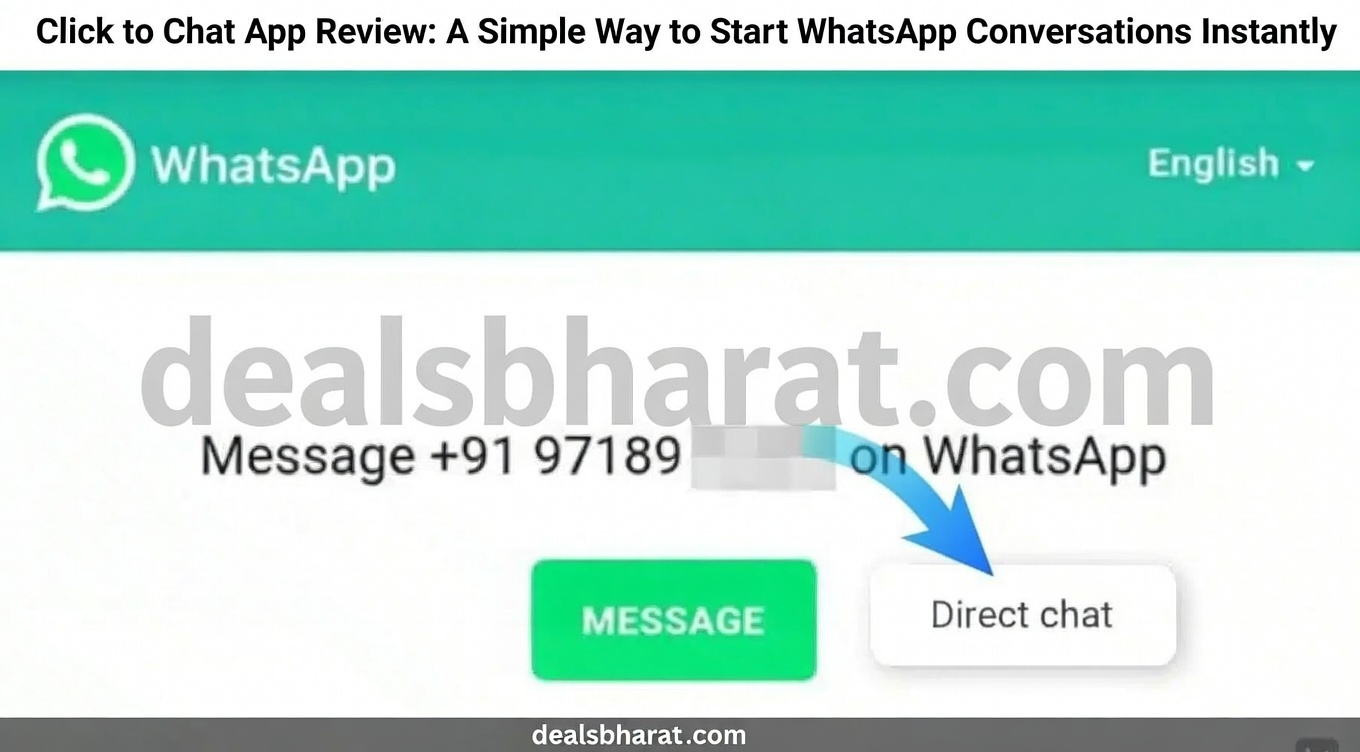
WhatsApp is widely used for daily communication, but starting a chat often means saving a phone number first. For many users, this extra step feels unnecessary—especially for one-time or short conversations. Click to Chat addresses this exact problem by offering a quicker and more private way to begin a WhatsApp chat without adding numbers to your contact list.
Designed as a lightweight communication app, Click to Chat focuses on speed, simplicity, and convenience. Its growing popularity and positive user feedback highlight how useful this small tool can be in everyday situations.
Also read: Click to Chat App Review: A Simple Way to Start WhatsApp Conversations Instantly
Why Click to Chat Is Useful
Click to Chat is especially helpful when you need to message someone temporarily. This could include delivery partners, customer support numbers, service professionals, or business enquiries. Instead of cluttering your contacts with numbers you may never use again, the app lets you connect directly on WhatsApp.
For users who value privacy and organisation, this approach makes communication cleaner and more efficient.
Core Features That Matter
Rather than offering too many options, Click to Chat sticks to what it does best. Its key features include:
- Direct WhatsApp Access: Enter any mobile number with the country code and open a chat instantly.
- No Contact Storage Required: Start conversations without saving numbers on your phone.
- Simple Interface: Clean layout with minimal distractions, suitable for all age groups.
- Fast Performance: The app loads quickly and works smoothly on most devices.
- Low Resource Usage: Uses very little battery, storage, and mobile data.
Compared to other tools that require extra steps or permissions, Click to Chat keeps the process straightforward.
Design and User Experience
The app follows a modern and minimal design style. Buttons are clearly placed, and the overall look is easy on the eyes. Even first-time users can understand how it works within seconds.
Performance is stable, with no noticeable lag during use. Many users appreciate that the app focuses on one task and executes it reliably.
Pricing and Overall Value
Click to Chat is available for free. Some versions may display ads or offer optional in-app purchases, but the core functionality remains accessible without payment.
Considering its usefulness for quick communication, the app offers good value—especially for users who frequently interact with new or temporary contacts.
Advantages and Limitations
Advantages
- Start WhatsApp chats without saving numbers
- Easy-to-use and clean interface
- Fast and reliable performance
- Helps keep contact lists organised
Limitations
- Limited functionality beyond direct chat access
- May not appeal to users who prefer traditional contact management
How to Use Click to Chat
Getting started with Click to Chat takes only a few steps:
- Open the app on your smartphone.
- Enter the mobile number you want to message.
- Add the correct country code.
- Tap the chat or open button.
- WhatsApp will open automatically with the chat window ready.
No additional setup or account creation is required.
Final Verdict
Click to Chat is a practical solution for users who want faster and cleaner WhatsApp communication. By removing the need to save contacts, it simplifies how conversations begin and helps maintain privacy.
Whatsapp Web
While it does not replace full messaging apps, it works perfectly as a supporting tool. If you often message new numbers and prefer keeping your contact list organised, Click to Chat is a useful app to have on your phone.

I am a passionate Tech Writer with strong industry experience. I enjoy exploring the latest technological innovations and sharing clear, helpful insights with my audience.